A strong password helps protect your online accounts, but passwords can be stolen in data breaches or entered accidentally on convincing fake websites. Two-factor authentication (2FA) adds another check so that knowing a password may not be enough to sign in.
This guide explains how 2FA works, which verification methods offer stronger protection, how to set it up and what to do if you lose access to your phone.
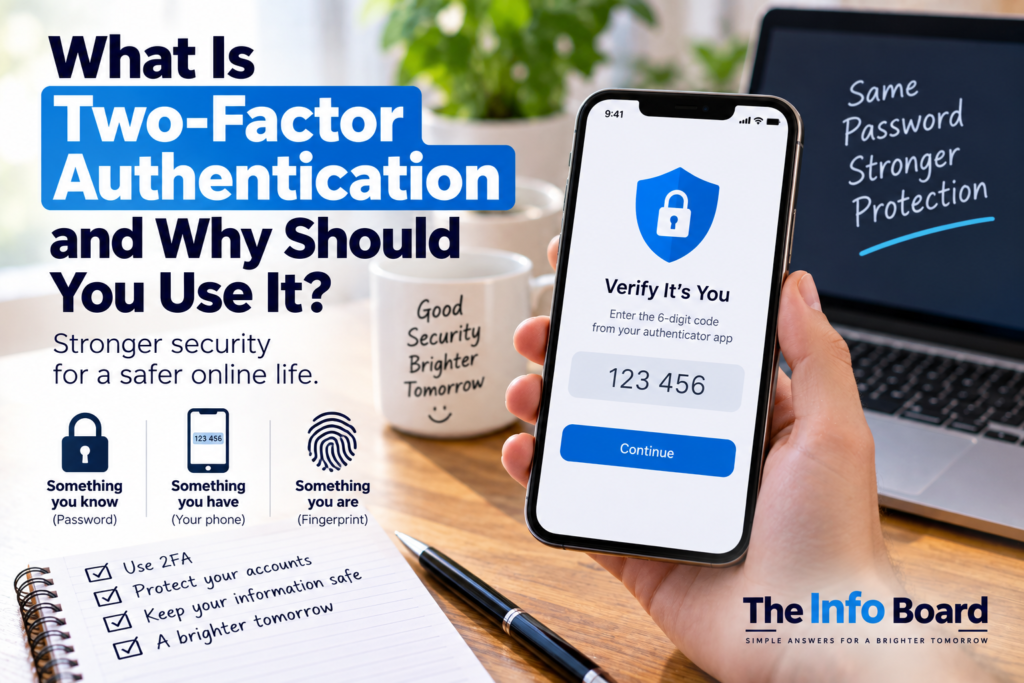
What Is Two-Factor Authentication and Why Should You Use It?
What Is Two-Factor Authentication?
Two-factor authentication requires two different types of evidence to verify who you are. For example, an account may require your password and then ask you to approve the sign-in on a trusted device.
Security professionals commonly distinguish three types of authentication factor:
- Something you know: a password or PIN.
- Something you have: a phone, authenticator device or physical security key.
- Something you are: a fingerprint or facial biometric, used within an appropriate authentication system.
Two separate passwords do not necessarily count as two-factor authentication: they are both things you know. The additional check needs to provide a genuinely different safeguard.
You may also see the terms two-step verification (2SV) and multi-factor authentication (MFA). Services often use these labels interchangeably. Strictly speaking, MFA means using multiple authentication factors, while a two-step process may not always involve two distinct factor categories.
How Does 2FA Work? An Email Login Example
- You enter your email address and password on the email provider’s genuine sign-in page.
- The provider asks for an additional check, such as a code from an authenticator app or approval using a security key.
- You complete the check using the device or method you previously registered.
- The service verifies the response before granting access.
Suppose a criminal obtains your password from a leaked database. With 2FA enabled, they may still be unable to access your account because they cannot complete the additional check. This is why the UK National Cyber Security Centre (NCSC) recommends two-step verification for important accounts.
Authenticator Apps, SMS Codes and Security Keys Compared
Not every second-step method provides the same level of protection. Use the strongest practical option that your account provider supports.
| Method | How it works | What to know |
|---|---|---|
| SMS text message | A short code arrives on your mobile number. | Better than a password alone, but phone-number takeover and interception risks exist. |
| Authenticator app | An app generates a changing code or approves a login. | Often more convenient and secure than SMS; code-based methods can still be phished. |
| Security key | A registered physical key verifies the sign-in. | Standards-based keys such as FIDO2/WebAuthn can offer strong phishing resistance. |
| Passkey | A device or password manager uses public-key cryptography to authenticate. | Designed to resist fake-site phishing; may replace the password rather than simply add a second code. |
Important: Codes sent by SMS are not useless. The NCSC advises that using an available second step is much better than leaving an important account protected only by a password. Where stronger options are offered, they are worth considering.
Can Criminals Still Bypass 2FA?
Yes. 2FA greatly improves account security, but it is not a guarantee against every attack.
Fake login pages: Criminals can sometimes trick people into entering both passwords and time-limited codes. This is why codes from an authenticator app, although helpful, are not completely phishing-proof.
Unexpected approval prompts: An attacker may repeatedly send requests to a user’s phone, hoping they will eventually tap Approve. Never approve a sign-in that you did not start.
SIM-swapping: A criminal may attempt to take control of your mobile number, creating risks for accounts relying on texted codes.
Account-recovery abuse: Weak recovery settings can sometimes undermine otherwise strong login protection.
For these reasons, combine 2FA with strong, unique passwords, careful checking of login pages and secure recovery settings.
Which Accounts Should You Protect First?
Ideally, turn on additional verification wherever it is available. If you need to prioritise, start with the accounts whose loss would cause the most harm:
- Primary email: email access is frequently used to reset passwords for other services.
- Banking and payment accounts: follow your provider’s built-in security process.
- Social media and messaging: stolen accounts can be used to impersonate you or scam contacts.
- Cloud storage: accounts may hold important photographs, documents and personal data.
- Shopping accounts: they can contain saved details or purchase history.
- Work and school: follow the organisation’s authentication requirements.
The NCSC specifically highlights protecting email because access to an inbox can help an attacker reset other passwords. Read its guide to turning on two-step verification.
How to Turn On Two-Factor Authentication
The exact screens differ by service, but most follow a similar process.
- Open the genuine service or app. Sign in normally rather than following an unexpected link in an email or text.
- Find Security or Account Settings. Look for 2FA, 2SV, MFA, two-step verification or sign-in methods.
- Choose the strongest available method that you can use reliably. A passkey or security key may be offered; otherwise consider an authenticator app.
- Register the method. You may need to scan a QR code, touch a security key or confirm a device notification.
- Complete the verification test to ensure the method works.
- Save recovery codes securely and consider registering a second trusted method if the service allows it.
- Check that 2FA is actually enabled. Look for confirmation in the account’s security settings.
Do not share QR-code setup secrets, verification codes or recovery codes. Anyone who obtains certain setup information may be able to register an authenticator without your permission.
What If You Lose Your Phone?
People sometimes avoid 2FA because they worry about being locked out. A recovery plan can reduce that risk.
- Save any one-time recovery codes in a secure place you can access without the missing phone.
- Where supported, register a second device or security key before you need it.
- Check whether your authenticator app supports secure transfer or backup, and understand how recovery works.
- Keep your account recovery contact details current.
- Use the provider’s official account-recovery process if your primary method is lost.
Avoid keeping the only copy of your email recovery codes inside that same email account. You might not be able to retrieve them when locked out. The NCSC includes recovery-code advice in its 2SV setup guidance.
What Should You Do If You Receive an Unexpected 2FA Request?
- Do not approve the sign-in or share any code with a caller, message sender or supposed support agent.
- Open the service directly through its official app or address and review recent account activity.
- Change your password if there is reason to believe someone has obtained it. Replace reused passwords on other services too.
- Check registered devices, recovery methods and security settings for changes you did not make.
- Contact the provider using its official support route if you believe the account has been compromised.
The NCSC warns against approving login requests that you did not initiate and against sharing authentication codes with anyone. See its account-protection guidance.
Is a Fingerprint or Face Scan Automatically Two-Factor Authentication?
Not necessarily. Unlocking your phone with a fingerprint does not mean every website you visit is separately using two-factor authentication. It depends on the complete sign-in process.
Passkeys can combine possession of a device with a local PIN or biometric check, depending on their implementation. They are particularly useful because legitimate passkey authentication is bound to the website or app requesting it, helping resist phishing.
Quick Account-Security Checklist
- Use a different strong password for each important account.
- Enable 2FA or a passkey where supported, starting with your primary email.
- Prefer phishing-resistant authentication where practical.
- Keep backup methods and recovery codes safe.
- Never approve unexpected sign-in requests.
- Do not give verification codes to someone who contacts you.
- Review account security settings and recovery information periodically.
Frequently Asked Questions
Is 2FA worth using if my password is already strong?
Yes. Even a strong password can be stolen through phishing or a security breach. 2FA adds another obstacle to unauthorised sign-in.
Is an authenticator app better than SMS?
Authenticator apps avoid some risks associated with mobile-number takeover and can work without a mobile signal. However, code-based apps are not completely phishing-resistant. Standards-based security keys and passkeys can provide stronger phishing protection where supported.
Do I need to verify every time I log in?
Not always. Some providers recognise trusted devices or request extra checks only for new or unusual sign-ins. The exact behaviour depends on the service.
Is two-factor authentication the same as a passkey?
No. A passkey is a passwordless authentication method based on cryptographic keys. Depending on the device and sign-in process, it may incorporate multiple factors without asking for a password followed by a code.
Can I still use 2FA if I don’t have a smartphone?
Sometimes. Depending on the service, options can include a physical security key, a landline call, a dedicated authenticator or another approved method. Check the service’s available options.
The Bottom Line
Two-factor authentication makes a stolen password less useful by requiring an additional sign-in check. It is especially valuable for email, financial, social-media and other important accounts.
Choose a strong method you can use consistently, prepare a recovery option and remain alert to unexpected approval requests. 2FA is an important extra layer of security, not a replacement for good passwords and phishing awareness.
Sources: NCSC — Setting up 2-Step Verification; NCSC — Turn on 2-step verification; NCSC — Protecting your accounts and devices.